
01
Control the pace
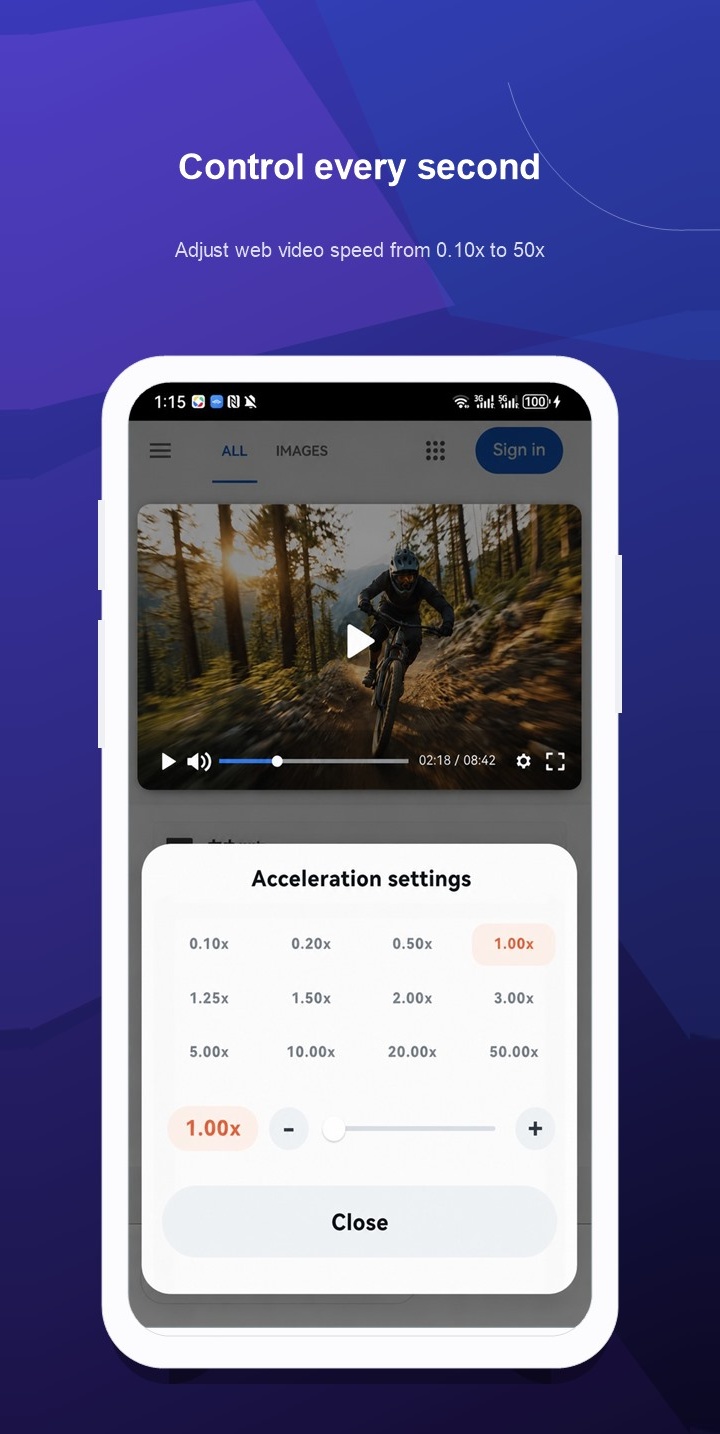
Adjust supported H5 games or web videos from 0.10× to 50×. Choose a preset or fine-tune the slider; available controls vary by platform and page.
Take SOS Game with you. Discover H5 games, keep your profiles together, and enjoy more ways to browse with Zixia Browser.

Speed controls, user scripts and a comfortable reader in one browser. Install Zixia Browser, then open SOSG to continue playing.
Your game: Rebirth: I Awaken Infinite Powers H5
The installed app is Zixia Browser. Features vary by platform and supported websites.
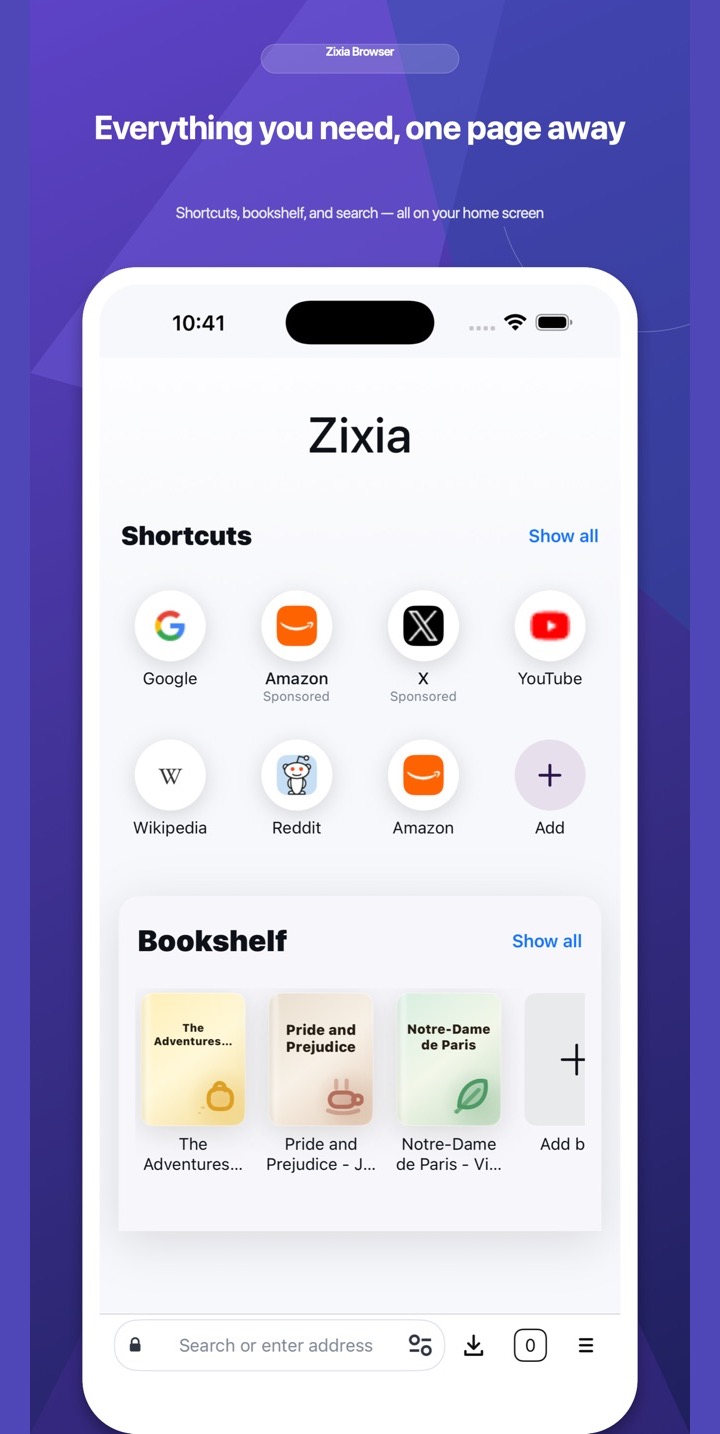
Explore real Zixia Browser screens: speed controls, script management and immersive reading.
Adjust supported H5 games or web videos from 0.10× to 50×. Choose a preset or fine-tune the slider; available controls vary by platform and page.
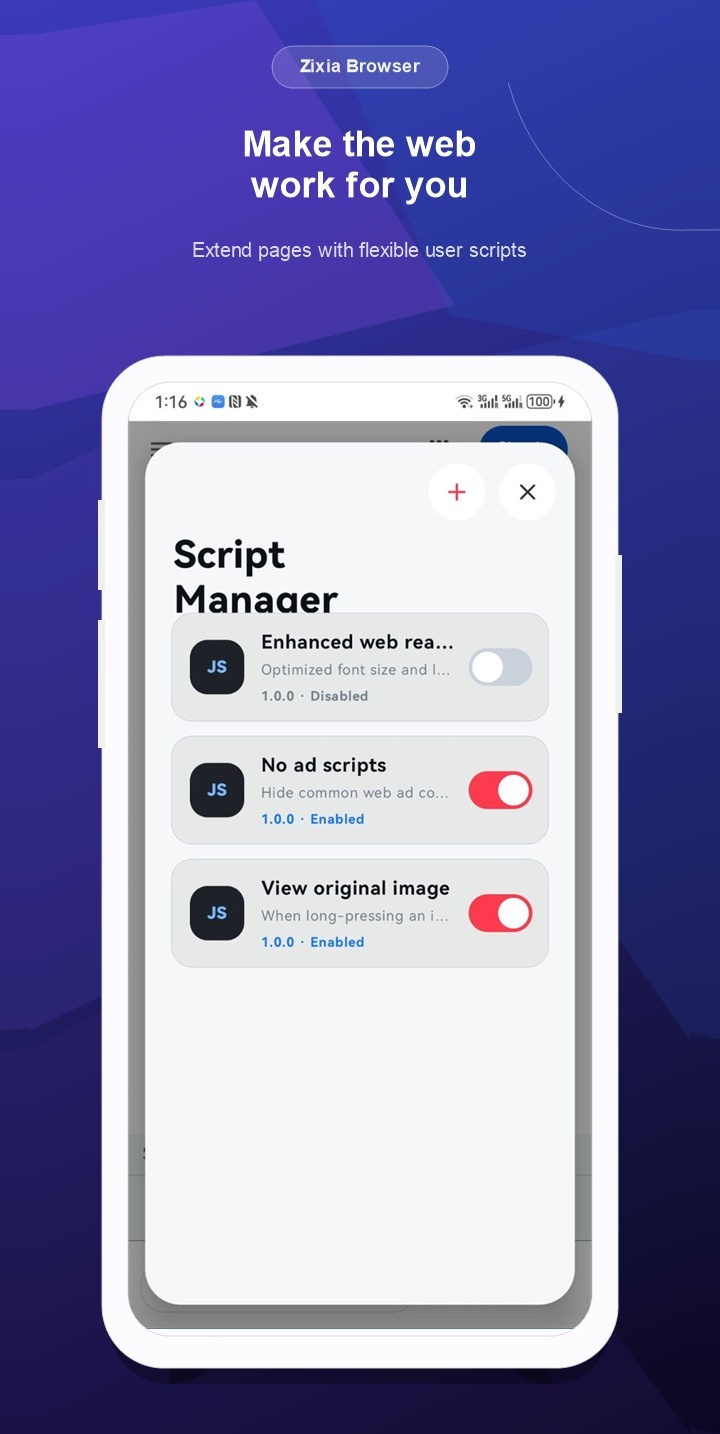
Manage your user scripts in one place. Enable the tools you need, turn them off when you don't, and tailor supported pages to the way you browse.
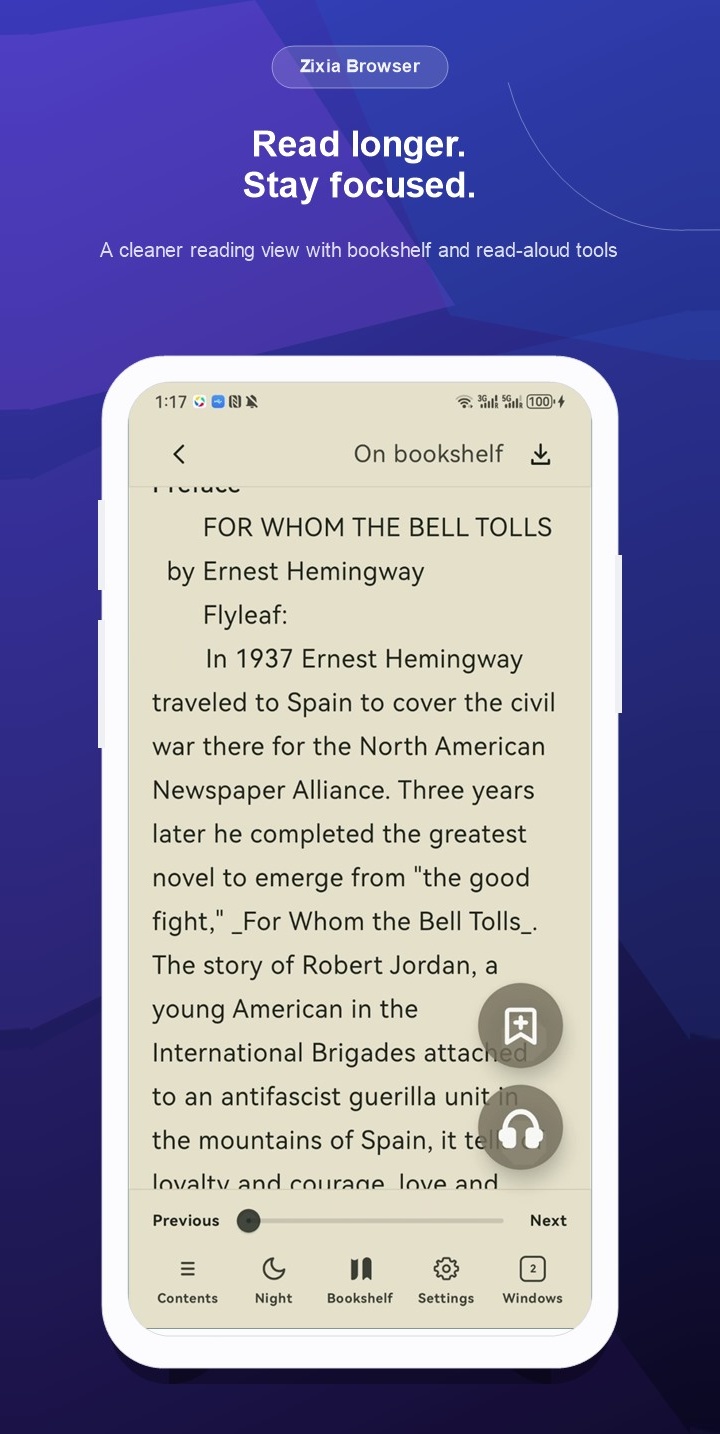
Bring guides, stories and long articles into a calmer reading view. Customize the layout, save to your bookshelf or switch to read aloud.
Download Zixia Browser on the App Store. Open SOSG from recommended sites, or enter www.sosg.com to find your next game.